GoSweetSpot: Printers & Queue
How to check your printer history
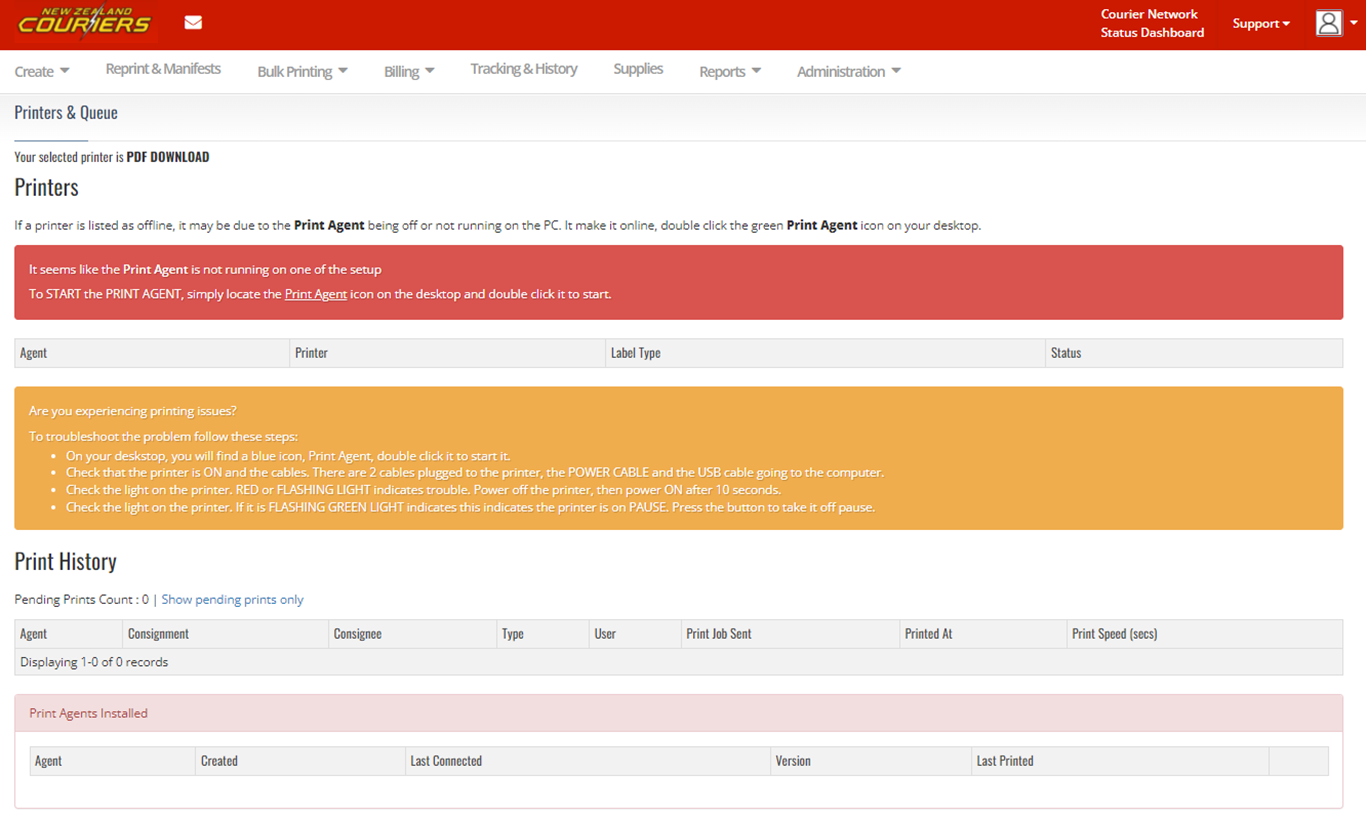
You can check the status of your printer and your print history under the Printers & Queue section.
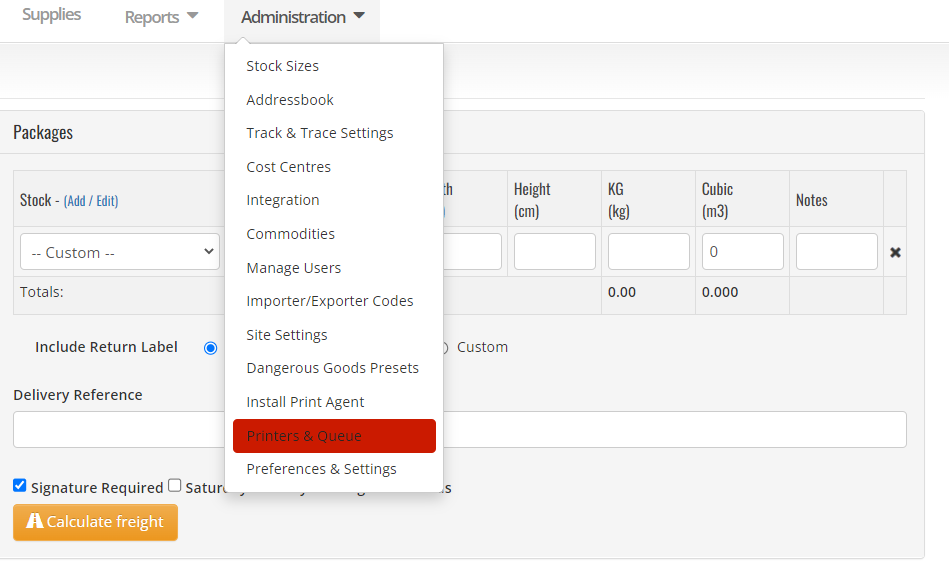
The Printers & Queue page can be used for troubleshooting if you are having trouble printing tickets.
Related Articles
GoSweetSpot: API introduction
In this Documentation: Authentication Rate Limiting Sandbox Account Data Types and Formats Concepts Common Use Cases Endpoints Tracing Your Calls FAQ Freight API provides programmatic access to GSS functionality and content. The API is REST API and ...GoSweetSpot: List of Printers
Description Get the list of printers available to you. Requests Method: GET Content Type: application/json URL: https://api-docs.gosweetspot.com/docs/printers/get.html Headers access_key : your unique API key provided by GSS. site_id : which site you ...GoSweetSpot: Labels
Labels in Queue Description Queue a provided image file for printing via the print application. Requests Method: POST Content Type: application/json URL: https://api-docs.gosweetspot.com/docs/labels/post.html Headers access_key : your unique API key ...GoSweetSpot: Webhooks
Description GSS can provide feedback to your site using webhooks for certain action triggers. Actions that can be subscribed to include: Shipment created Shipment pickup registered by courier Shipment delivery registered by courier Shipment tracking ...GoSweetSpot: Shipments
Get Shipment Updates Description Get status updates for shipments. Requests Method: GET Content Type: application/json URL: https://help.nzcouriers.co.nz/gosweetspot-api-integration/gosweetspot-shipments Headers access_key : your unique API key ...